Zig 0.17 · MIT · One UI toolkit
Apps in Zig.
Desktop to pocket.
A system monitor. A terminal with a coding agent. A flight tracker on your phone. See what people are building with nanoui, then make something of your own.
- macOS
- Windows
- Linux
- iOS
- Android
01 · Desktop
At home on your desktop.
Live system graphs in nanomon. A terminal, coding agent and native visuals in nanoterm.
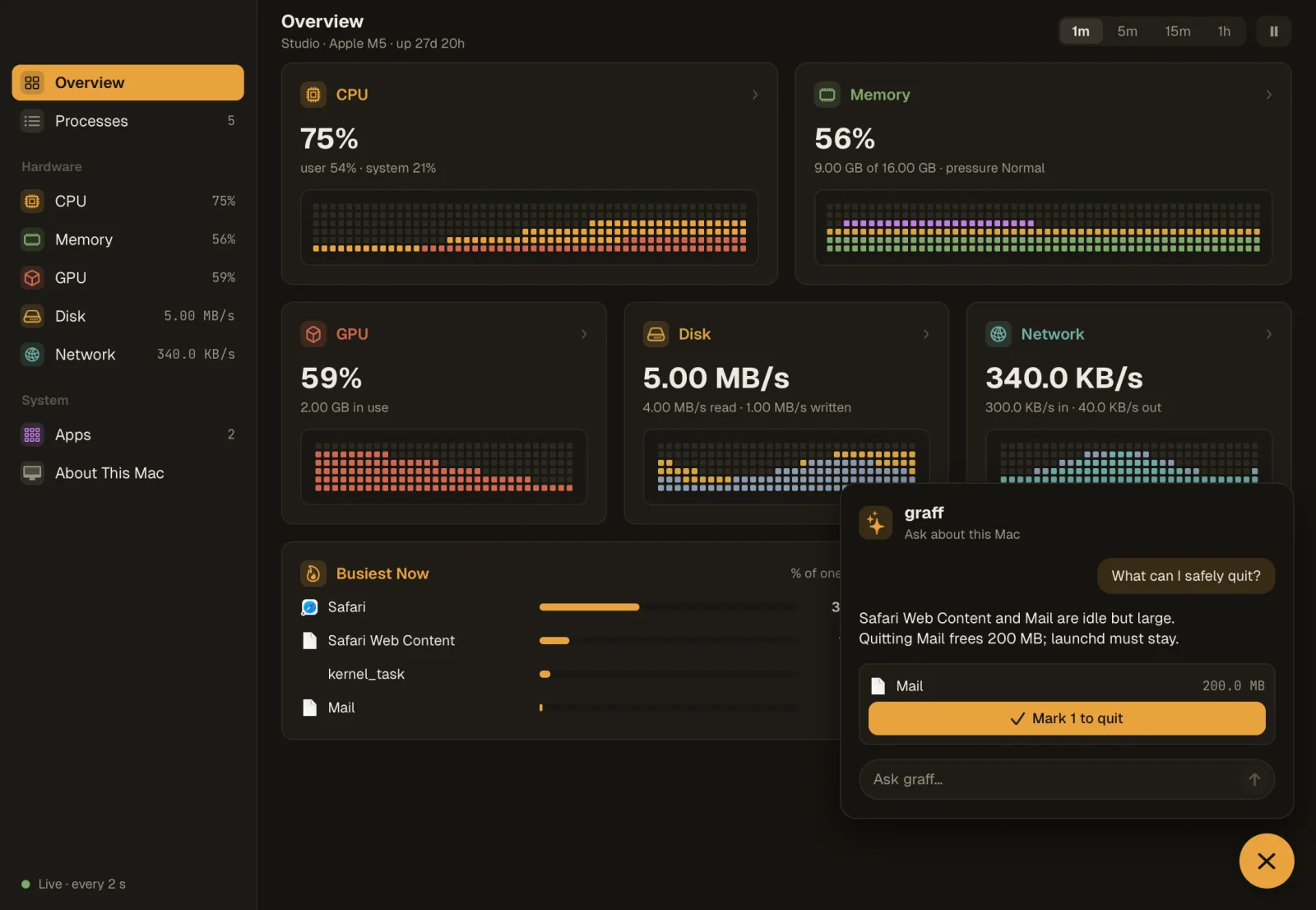
nanomon →
An activity monitor with cell graphs of CPU, memory, GPU, disk and network, and a graff bubble that suggests what to quit.
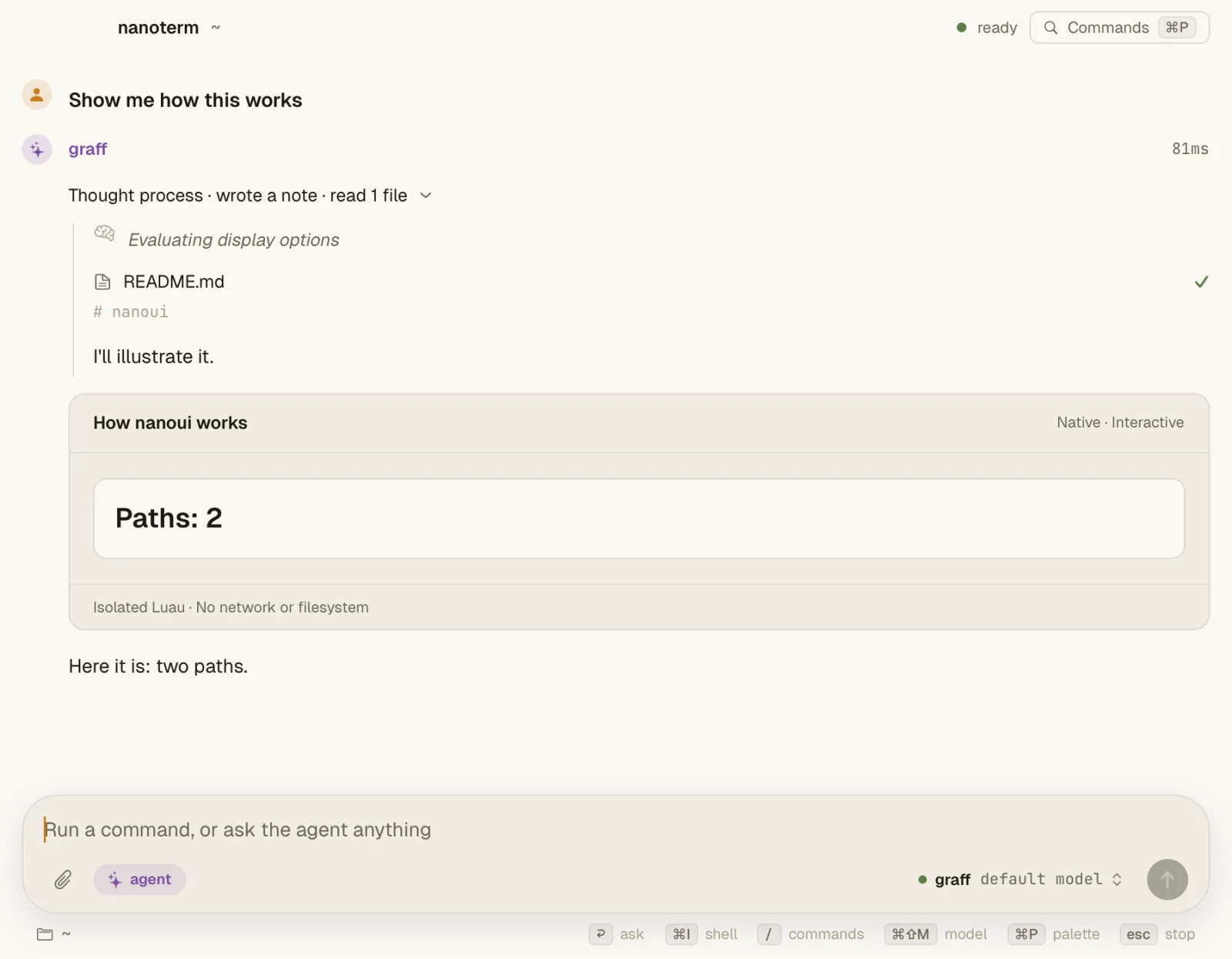
nanoterm →
A terminal of blocks, in the manner of Warp, with a coding agent over ACP, native visuals, a ⌘P launcher and SSH sessions.
There's more: nanostudio is a screen recorder and editor built on the same toolkit. See the full showcase →
02 · iOS & Android
And ready for your pocket.
Follow a flight on iPhone, or explore the same Zig UI toolkit on Android. Touch, scrolling and small screens are part of the story.
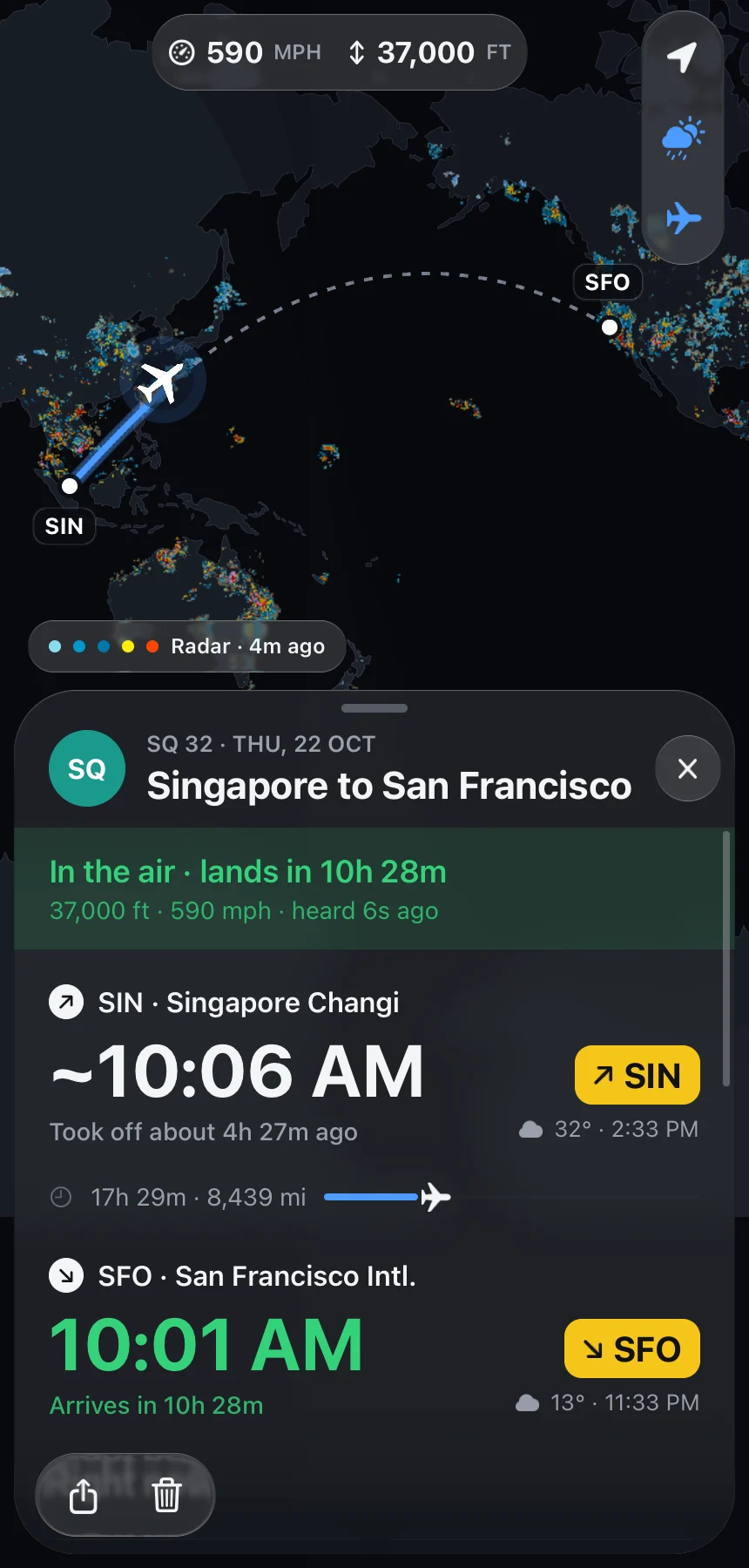
iOS · Flight tracker
nanofly →
Live flights, weather radar and a map drawn by nanoui, with a flight card in Liquid Glass. Built for iPhone and Mac.
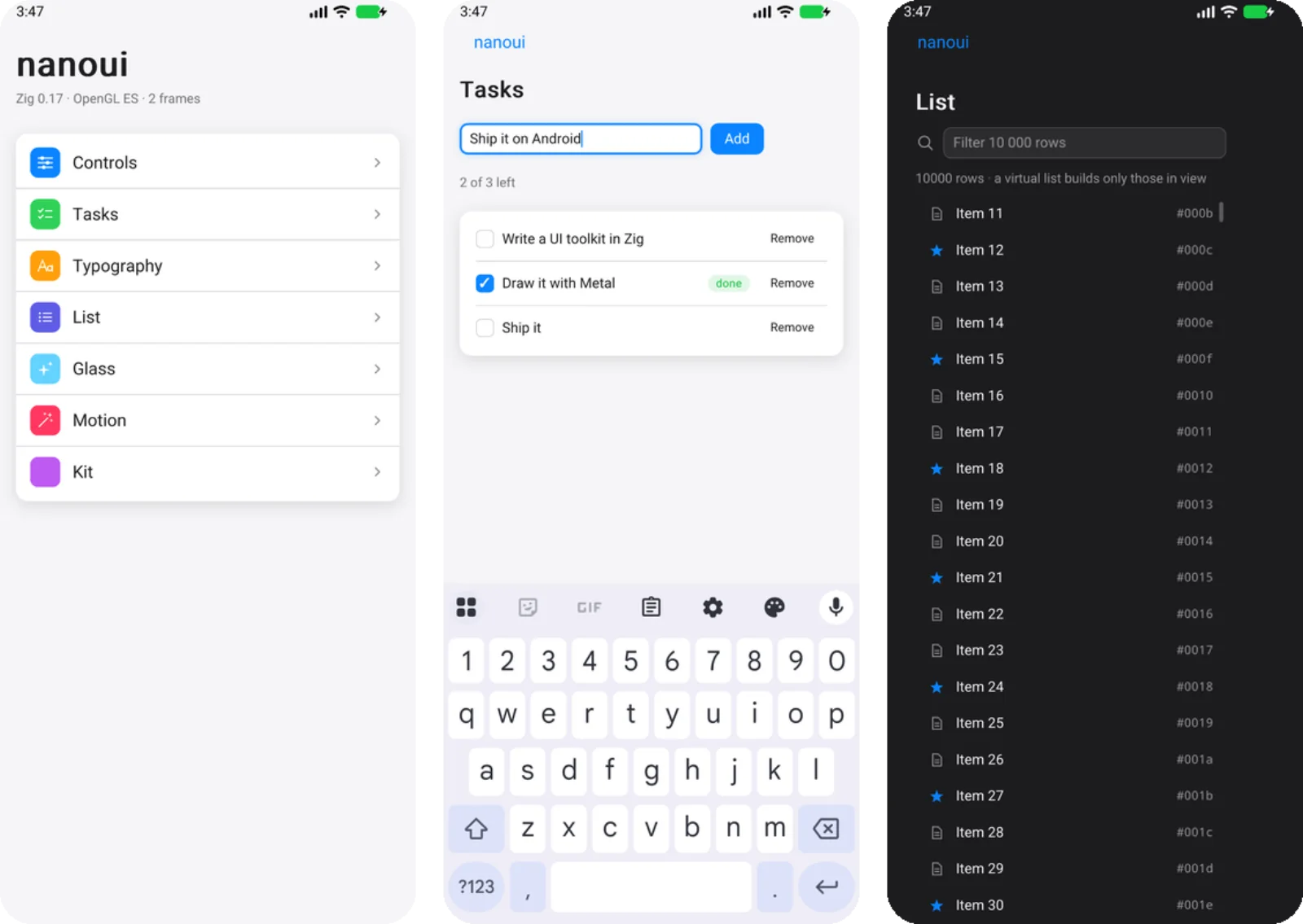
Android · Demo app
nanoui on Android →
Navigation, touch scrolling, keyboard input and light or dark screens. A working demo app, drawn with OpenGL ES or the CPU.
See the toolkit running on iPhone too. Watch the iOS app tour →
03 · Your turn
Now build your own.
Start with a small Zig app. Take it to the screen you have in mind.
Install nui from the latest release and use Zig 0.17. The CLI creates a project, tests it without opening a window, and captures a screenshot when you need one.
iOS builds need Xcode's SDK; Android builds need the Android SDK and NDK. The setup guide covers each platform.
nui start my-app    # an app, its test and an AGENTS.md
cd my-app
nui test            # its tests, rendered offscreen
nui snapshot --out shot.png --script "click:Increment"
nui run             # its window